How to remove Gemini watermarks in bulk: batch tool or API?
Two ways to clean many Gemini images at once: the free bulk remover in your browser, or the API for automated workflows. How to pick the right one.
Cleaning one image is easy. If you have a whole folder of them — a product shoot, a content calendar, a client project — you'll want to do them together. There are two ways, and the right one depends on whether a person or a program is doing the work.
Option 1: the bulk remover (free, in your browser)
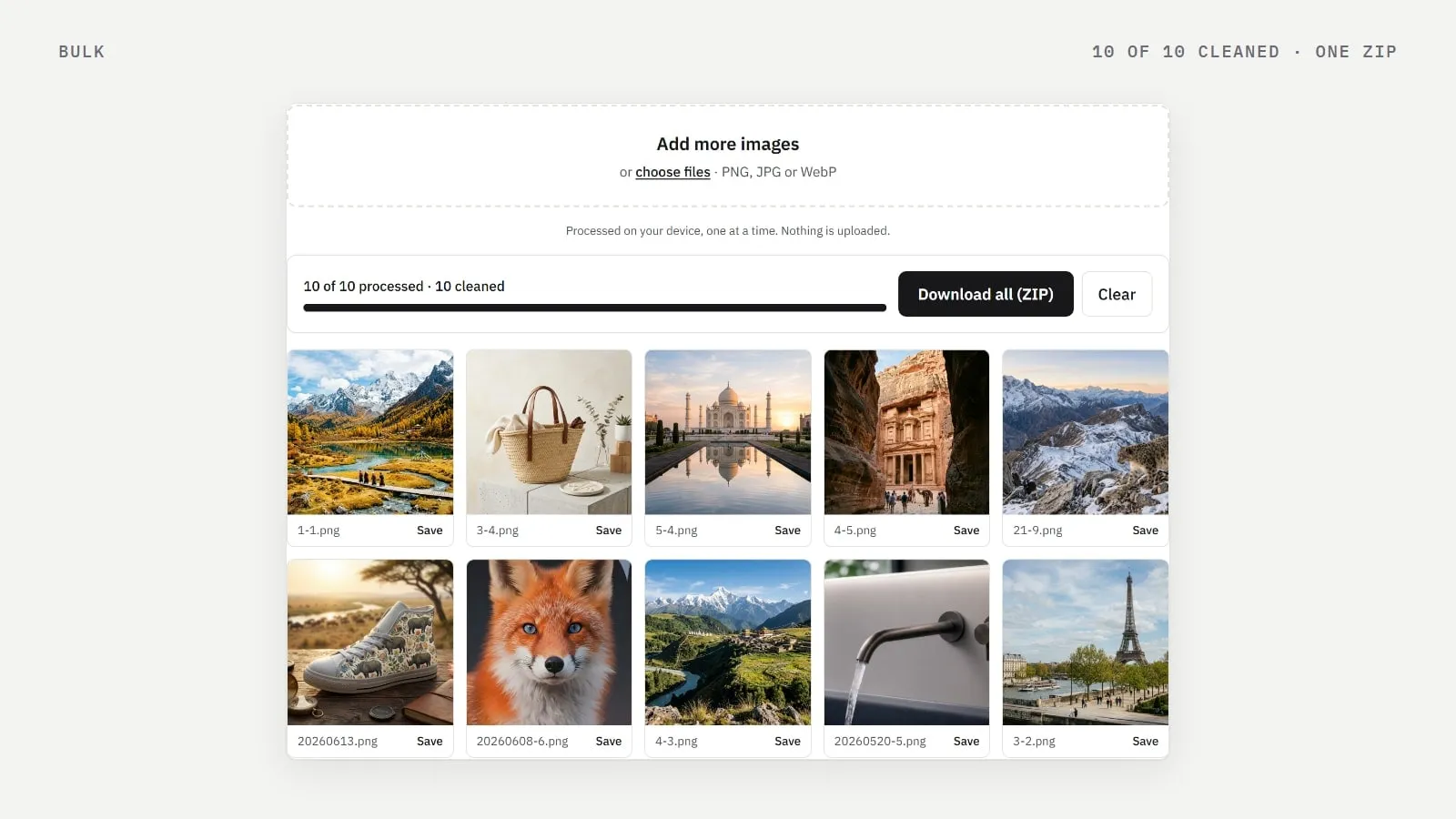
The bulk remover takes up to 50 PNG, JPG or WebP images at a time, up to 30 MB each. They're processed one after another on your own device, and you can save them one by one or download everything as a single ZIP.
No account, no upload, no cost.
Images without a Gemini watermark are reported and left as they are.
The ZIP stores the PNGs without compressing them again, so it's quick to create.
The image at the top of this page is a real run: ten Gemini images of different sizes and shapes, all cleaned in one go.
Option 2: the API (for automation)
If images come from a script, a CMS, a print-on-demand pipeline or another app, use the watermark removal API. You send one image per HTTP request and get it back without the watermark.
curl -X POST "$API_URL/v1/images/remove-watermark" \
  -H "Authorization: Bearer $API_KEY" \
  -F "[email protected]" -o clean.png
Pay with prepaid credits: one credit per image where a watermark was removed. Images without a watermark are free.
Get the result as PNG, JPEG or WebP, or as JSON with details of what was found.
Each account can make 60 requests a minute by default, with up to 2 images processed at the same time; contact us if you need more.
New accounts get free credits to try it.
The full reference, with examples in cURL, JavaScript, Python and PHP, is in the API docs.
Which one should I use?
Bulk remover | API | |
|---|---|---|
Who runs it | You, in a browser | Your code |
How many | Up to 50 per batch | As many as your credits allow |
Cost | Free | One credit per image cleaned |
Privacy | Images never leave your device | Sent to our server, processed in memory, not stored |
Best for | One-off folders | Repeating workflows |
Videos in bulk?
The video tool handles one video at a time in your browser. There's no video API yet.
Frequently asked questions
- How many images can I clean at once for free?
- Up to 50 per batch in the bulk remover, then you can start another batch.
- Am I charged for images without a watermark?
- No. With the API you only use a credit when a watermark is actually found and removed.
Written by
Gemini Watermark Remover AI teamEditorial team
Our guides are written and tested by the people who build the watermark remover. Every number in them comes from running the tool on real Gemini images.